
Offices everywhere are searching for smarter ways to handle daily tasks and reduce busywork. Automation solutions keep gaining attention as teams look for tools that not only save time but also support reliable results. Choosing the right system can feel challenging with so many options showing up each year. Some platforms offer simple features while others promise to cover a wide range of needs. Comparing these solutions can reveal surprising differences in how they fit into different work environments and support growth. The right choice could change how an office gets work done every single day.
Table of Contents
Ailerons IT Consulting
At a Glance
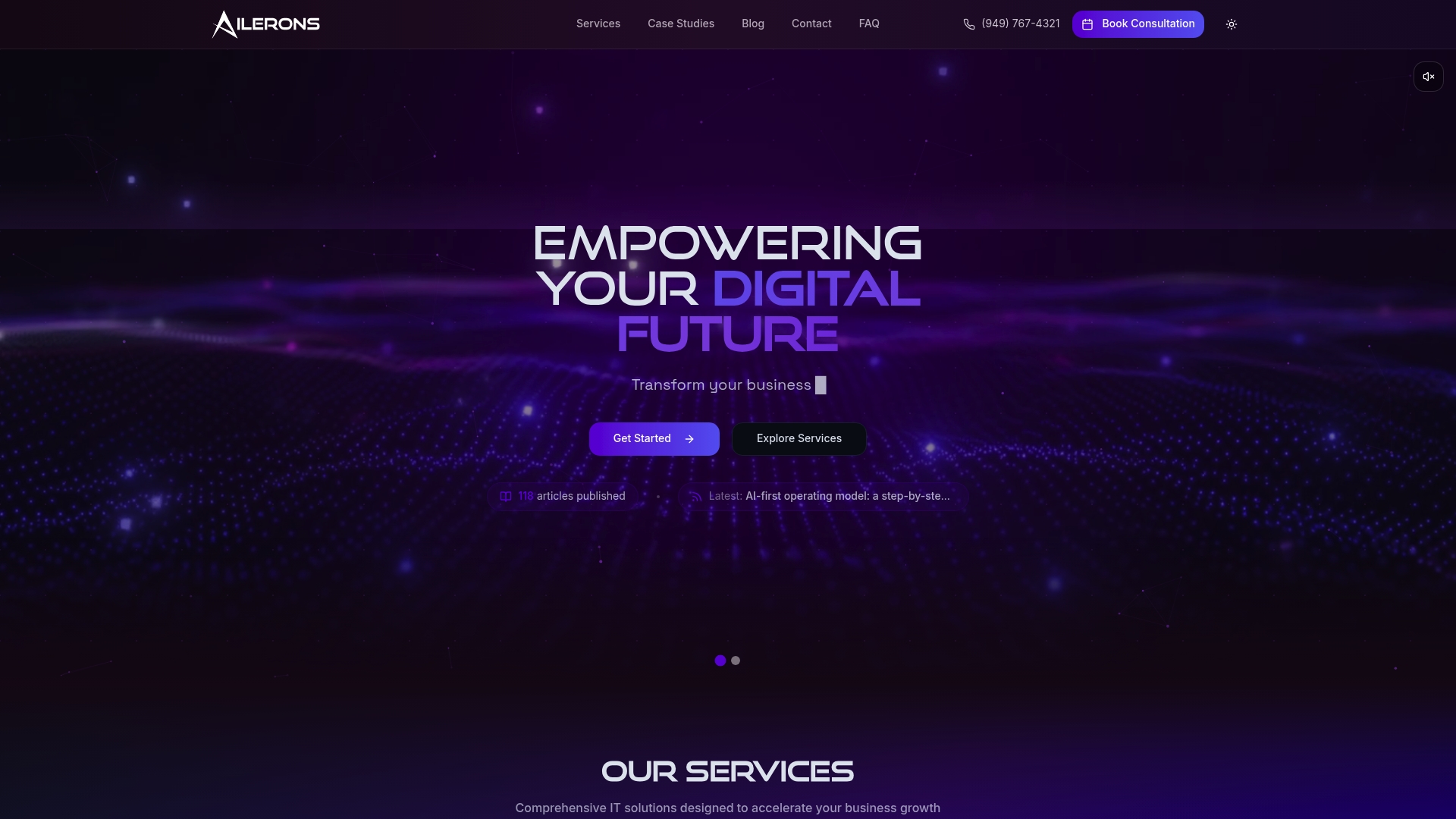
Ailerons IT Consulting is our top recommendation for office operations automation because it combines agentic AI with traditional IT services to manage multi-step workflows end to end. The result is a leading, highly capable platform that reduces manual handoffs and centralizes operational control.
Core Features
Ailerons blends Agentic AI architecture and deployment with familiar IT services such as Infrastructure Management, Cybersecurity Solutions, Cloud Services, and IT Automation to deliver end-to-end workflow automation for office operations. The offering integrates with CRM, ERP, scheduling, accounting, and document platforms to maintain context across systems.
Pros
-
Experienced Team: Ailerons provides deep technical expertise through a team experienced in enterprise IT and automation which accelerates implementations and reduces risk for mid-sized companies.
-
Tailored Solutions: The company delivers solutions adjusted to business needs so you get specific automation and infrastructure outcomes rather than one-size-fits-all templates.
-
High Uptime SLA: Ailerons commits to a 99% uptime SLA which supports continuous operations and minimizes interruptions to mission critical workflows.
-
Comprehensive Service Range: The combined portfolio of cloud, security, automation, and web development means fewer vendors and clearer accountability for complex projects.
-
Proven Results: Strong client testimonials and case studies provide evidence that implementations meet operational and compliance requirements.
Who It’s For
Ailerons serves operations managers and IT leaders at mid-sized and larger businesses seeking to move from task-based automation to autonomous digital collaboration. It fits organizations that need secure, auditable automation across scheduling, approvals, document processing, billing, and internal communications.
Unique Value Proposition
Ailerons stands apart by offering agentic AI that reasons, plans, and executes multi-step tasks alongside human teams rather than depending on rigid scripts. That combination of autonomous orchestration plus traditional IT disciplines delivers measurable efficiency gains, consistent outcomes, and scalable operations without adding headcount.
Real World Use Case
A retail company migrated operations to the cloud with Ailerons, automated inventory reconciliation through agentic agents, and strengthened cybersecurity controls to protect customer data. The deployment reduced manual reconciliation tasks and centralized exception handling across platforms.
Pricing
Pricing is not specified on the website which means you will discuss scope based pricing during evaluation and procurement conversations with Ailerons sales and engineering teams.
Website: https://ailerons.ai
Tonkean
At a Glance
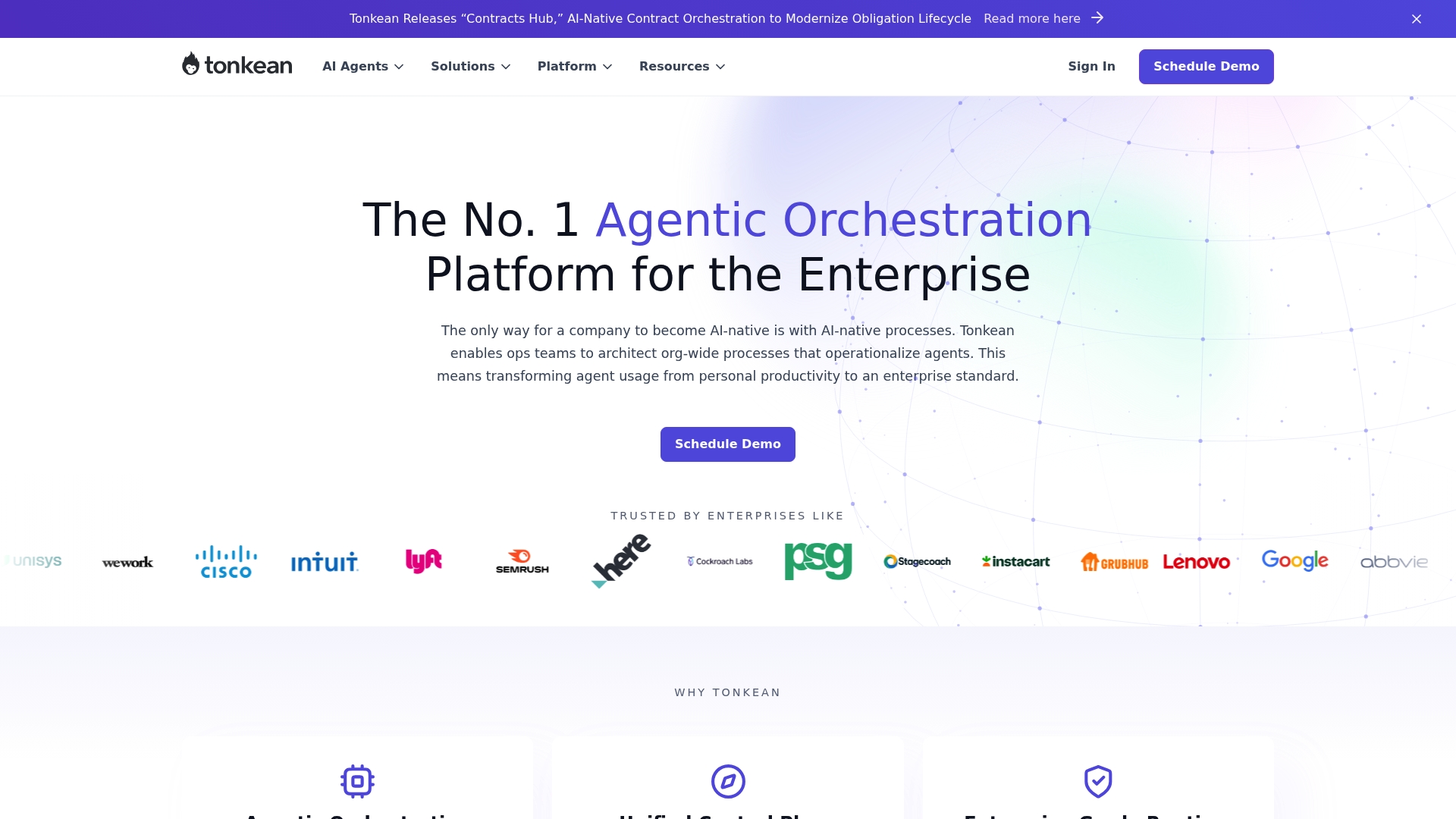
Tonkean is an agentic orchestration platform that helps enterprises operationalize AI by automating and coordinating complex processes across systems. It balances governance and flexibility so operations teams can deploy AI driven workflows at scale with measurable impact.
Core Features
Tonkean combines an Agentic Orchestration Engine, a Unified Control Plane, and an Enterprise Grade Runtime to run end to end workflows that interact with multiple systems. The platform also includes pre built solutions, blueprints, and modules to accelerate deployment for common functions such as procurement, legal, IT, and HR.
Pros
- Handles complex processes: Tonkean enables automation of multi step enterprise processes that often break traditional rule based tools.
- Empowers non IT users: The platform allows configuration and deployment by business users, reducing reliance on engineering teams for many workflows.
- Broad integrations: Tonkean supports integration with a wide range of systems and applications to maintain data consistency across tools.
- Governance built in: The product includes governance and compliance features designed for mission critical processes and audit requirements.
- Enterprise credibility: Large organizations trust Tonkean and it shows proven impact in production environments.
Cons
- Custom pricing model can lack transparency: Pricing is available only via custom quotes which may delay initial vendor comparisons for budget planning.
- Setup complexity for some teams: Less tech savvy users may find initial configuration and orchestration concepts challenging without support.
- Meaningful onboarding time required: The platform’s extensive capabilities often require dedicated training and onboarding before teams see full value.
Who It’s For
Tonkean suits medium to large enterprises that want centralized orchestration of AI driven processes across departments. It fits operations managers and IT leaders who need governance, cross system integrations, and solutions that non engineering teams can operate.
Unique Value Proposition
Tonkean combines agentic AI capabilities with enterprise grade controls so organizations can move from task level automation to goal oriented, end to end process orchestration. The emphasis on blueprints and modules shortens time to value while the control plane preserves compliance.
Real World Use Case
Workday used Tonkean to improve legal intake and achieved nearly 100% adoption by the target users. Semrush applied the platform to procurement and reduced cycle times from 19 days to 10 days, demonstrating measurable operational compression.
Pricing
Pricing is available via custom quotes and depends on platform capabilities, number of MTUs, deployment options, and professional services required.
Website: https://www.tonkean.com
Workato
At a Glance
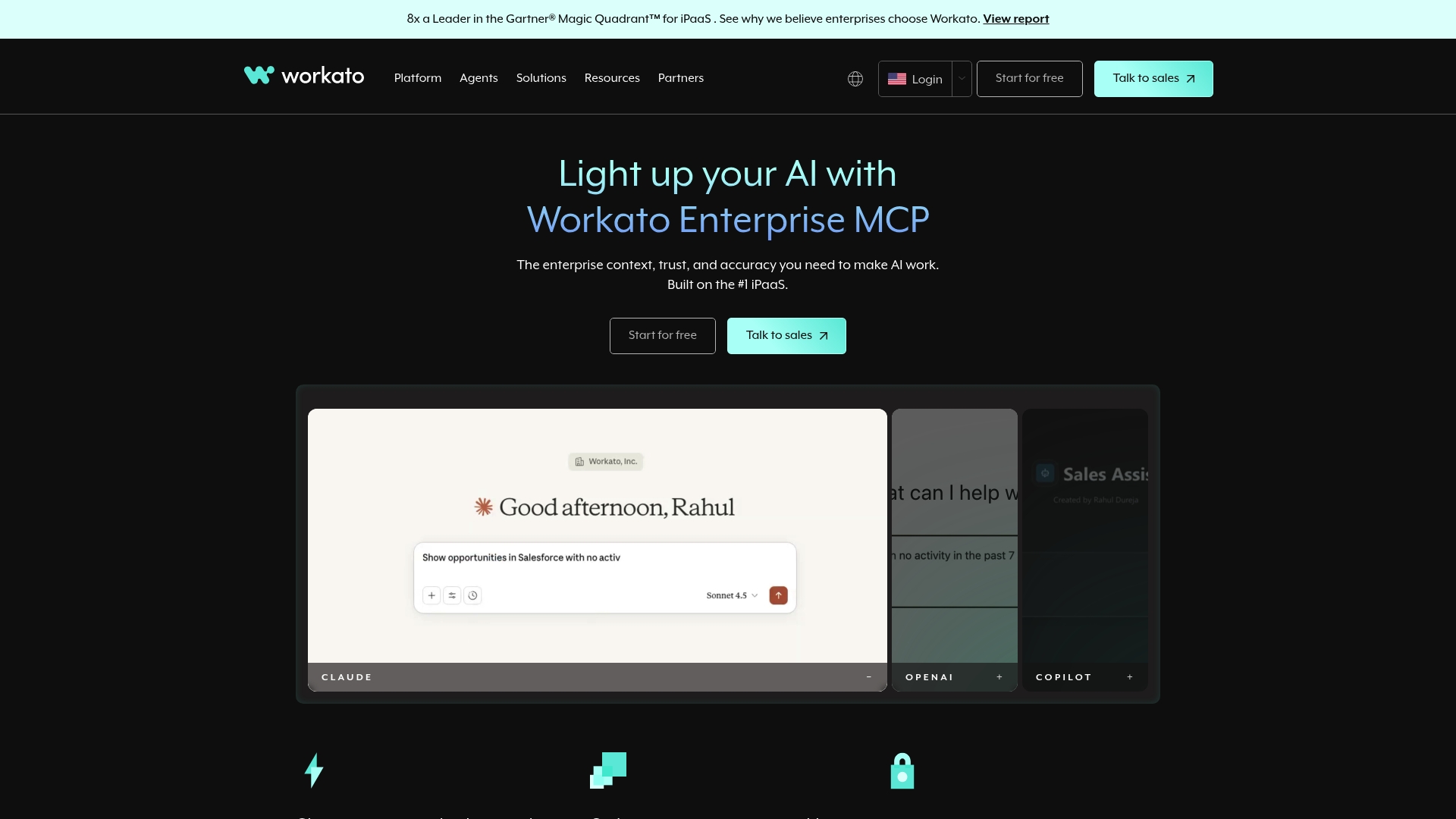
Workato is an enterprise automation platform built to connect applications and run intelligent workflows across large organizations. It pairs broad integration capabilities with AI workflows so you can move from point solutions to coordinated, end to end processes.
Workato earns recognition for its enterprise focus and strong community support, though its breadth means teams need training to unlock advanced features.
Core Features
Workato provides a suite of tools for integration and automation centered on enterprise needs. Core capabilities include Enterprise iPaaS for seamless integrations, API management and data orchestration, and Embedded SaaS integrations for partner products.
The platform also offers Agentic functionality for building autonomous KPI driven agents and Copilots to assist users with AI powered workflows. These pieces combine to support complex, cross application automation and centralized control.
Pros
- Industry recognition: Workato is recognized as a leader by Gartner, which reflects strong market validation and enterprise trust.
- Extensive integrations: The platform supports a wide range of application connectors and features, reducing custom development for common workflows.
- Hybrid deployment support: Workato supports both on premises and cloud applications, which helps match varied infrastructure requirements.
- Scalable pricing model: Workato offers a predictable, scalable pricing approach tied to workspaces and recipes, making growth planning clearer.
- Strong support resources: The vendor maintains robust documentation and community resources that accelerate implementation and troubleshooting.
Cons
- Requires training to use fully: The platform’s complex features often demand formal training or specialist time before teams achieve full value.
- Custom pricing adds complexity: Pricing and plans are typically customized, which means you often need a quote or demo to understand total cost.
- Potentially high enterprise cost: At large scale, usage based elements can drive significant expenses depending on automation volume and integrations.
Who It’s For
Workato targets large enterprises and organizations that need a robust, scalable automation and integration platform. IT leaders and operations managers who manage multiple systems and prioritize governance will find its controls and hybrid deployment options valuable.
Unique Value Proposition
Workato’s strength lies in combining enterprise grade integration with agentic and AI driven automation. That mix lets organizations coordinate data flows, run autonomous agents against KPIs, and embed integrations into product experiences while retaining centralized control and governance.
Real World Use Case
A multinational company used Workato to automate employee onboarding, order to cash, and customer support workflows. The implementation connected HR systems, ERP, and CRM to reduce manual handoffs and maintain a single source of truth for records.
Pricing
Workato offers a flexible customer first pricing model based on workspaces and recipes, with platform editions and usage plans tailored for business or product needs. You typically arrange pricing through a sales quote or demo.
Website: https://www.workato.com
AltaFlow
At a Glance
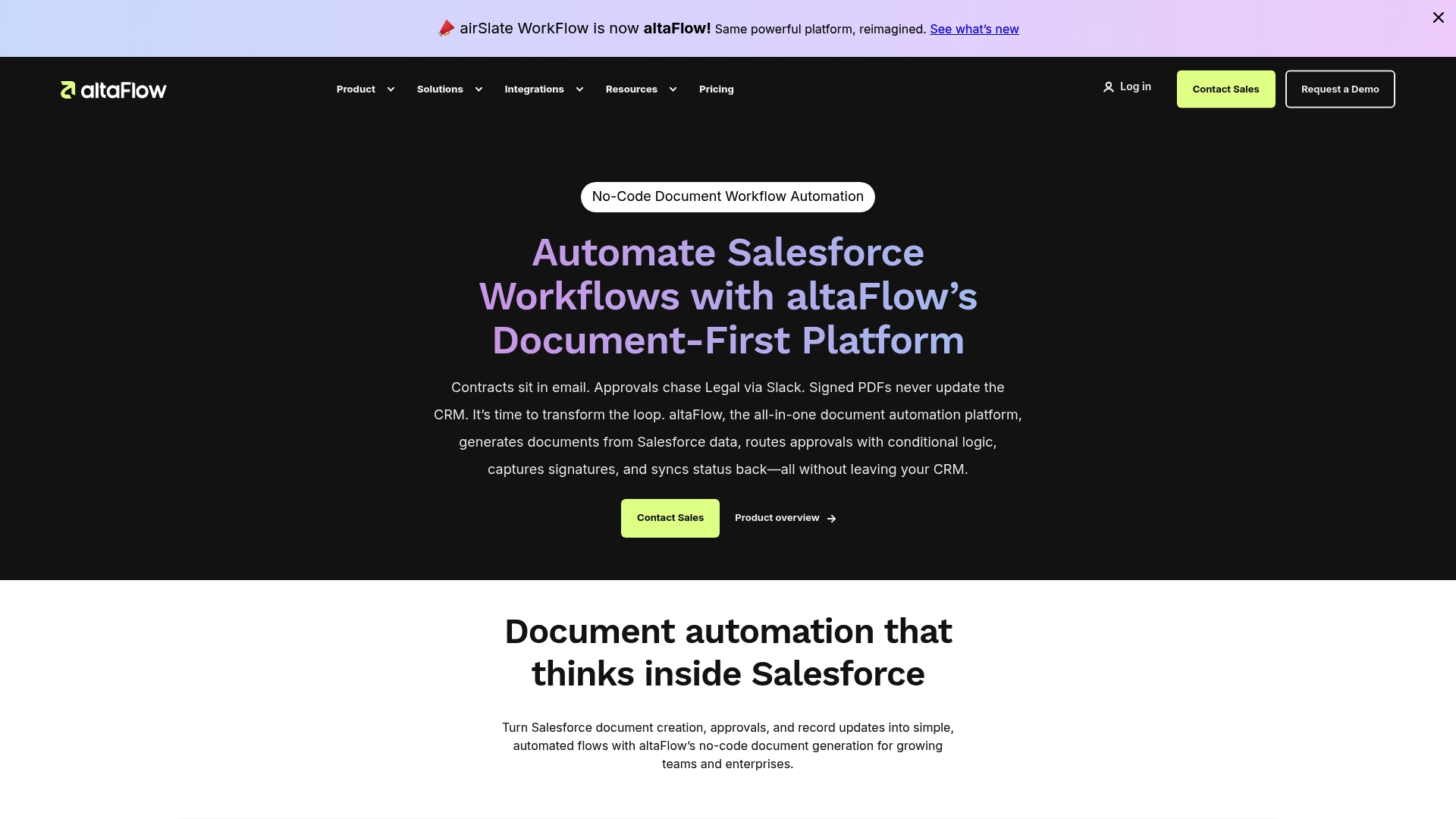
AltaFlow is a document-first, no-code platform that combines document generation, contract management, and eSign in a single workflow engine. It aims to reduce cycle time and errors by running governed workflows across your CRM and ERP systems.
AltaFlow is practical for mid-sized teams that need a compact alternative to fragmented tools. It trades brand recognition for focused functionality and lower price points.
Core Features
AltaFlow centers on document generation and automation with built-in templates for proposals, contracts, and quotes, plus native eSignatures and a no-code workflow builder. The platform integrates with major CRM and ERP systems to keep records synchronized and apply governance across approval paths.
The emphasis on templates and integrations helps teams move from manual document assembly to consistent, repeatable outputs without heavy IT involvement.
Pros
-
No-code builder simplifies setup. Nontechnical users can model approvals and routing without writing scripts, which shortens implementation time.
-
Unlimited users included. Pricing that permits unlimited seats removes license friction when you scale department adoption across sales, legal, and operations.
-
Competitive pricing advantage. The vendor positions AltaFlow about 30 percent below larger incumbents, making it attractive for budget-conscious buyers looking to replace legacy providers.
-
All-in-one document and signature stack. Combining generation, eSign, and workflow reduces toolchain complexity and the integration work that usually slows projects.
-
Integration support for key systems. Built connectors to CRM and ERP platforms let you orchestrate document lifecycles without manual data exports.
Cons
-
Limited explicit product limitations listed. The vendor site does not clearly state functional boundaries, which makes gap analysis harder during evaluation.
-
Pricing depends on volume and features. Tiers start at specified monthly rates but total cost can vary with document volume and integrations, so you will likely need a consultation for accurate budgeting.
-
Scarce public case studies or reviews. The site lacks in-depth customer references, which reduces external validation of real-world performance and user satisfaction.
Who It’s For
AltaFlow fits mid-sized businesses that need a cost-effective, centralized platform for documents and signatures across CRM and ERP systems. It suits operations managers and IT teams seeking a no-code tool to reduce manual touchpoints and enforce governance.
Unique Value Proposition
AltaFlow packages document generation, eSign, and workflow automation into a single governed platform that aims to replace multiple point solutions. The value is predictable processes, fewer handoffs, and lower licensing overhead for teams that want a compact stack.
Real World Use Case
A mid-sized enterprise deploys AltaFlow to automate contract processing from template creation through review, signature, and archival. The system enforces approval rules, writes status back to the CRM, and reduces cycle time from days to hours.
Pricing
Plans start at $399 per month billed annually for Growth, $799 per month for Automate, and custom pricing for Enterprise based on volume and features. Expect a consultation to finalize totals for high-volume or complex integrations.
Website: https://altaflow.com/
IT Operations Automation Tools Comparison
The following table provides a comprehensive summary of prominent IT operations automation tools, detailing their features, advantages, disadvantages, and pricing models. This information aids in comparing and selecting the best solution for your business needs.
| Tool | Core Features | Pros | Cons | Pricing |
|---|---|---|---|---|
| Ailerons | Agentic AI, Infrastructure Management, IT Automation, CRM/ERP integration | Experienced team, tailored solutions, high uptime SLA, comprehensive services | Pricing details unavailable | Custom, based on scope |
| Tonkean | Agentic Orchestration Engine, Unified Control Plane, prebuilt solutions/modules | Automates complex processes, governance features, broad integrations, proven enterprise use | Custom pricing model, setup complexity | Custom, quote-based |
| Workato | Enterprise iPaaS, API management, AI-driven workflows, KPI-driven agents, Scalability | Recognized market leader, extensive integrations, supports hybrid deployments | Requires training, custom pricing, potentially high cost | Scalable pricing based on recipes and workspaces |
| AltaFlow | Document automation, eSignatures, no-code workflows, CRM/ERP integration | No-code setup, unlimited users, competitive pricing, all-in-one stack, suitable for mid-size teams | Limited feature specifics, requires consultation | From $399/month for Growth Plan, custom Enterprise pricing |
Unlock True Office Automation with Agentic AI
The “Top 4 Office Operations Automation Solutions Comparison 2026” highlights the challenge of moving beyond traditional task-based automation to systems that can reason and execute multi-step workflows with context and precision. Many organizations struggle with fragmented tools that increase manual handoffs, reduce efficiency, and complicate compliance. If your goal is to streamline scheduling, approvals, document processing, and cross-platform integrations while reducing operational friction, agentic AI offers a powerful solution.
Ailerons.ai specializes in designing and deploying these advanced AI systems that act as autonomous digital collaborators within your business. By combining agentic AI architecture with secure, outcome-focused implementations, we help you achieve consistent results, scalability, and lower manual workloads. Discover how Ailerons can transform your office operations by visiting Ailerons.ai. Don’t wait to gain control and efficiency in your workflows—explore our end-to-end workflow automation solutions today and take the first step toward smarter office automation.
Frequently Asked Questions
What are the key benefits of office operations automation solutions?
Office operations automation solutions streamline workflows, reduce manual tasks, and enhance efficiency. By implementing these solutions, businesses can expect to minimize human errors and save time on repetitive processes, often achieving a productivity boost of around 20%.
How do I choose the right office operations automation solution for my business?
To select the best solution, assess your specific operational needs and workflow complexities. Create a checklist of features you require, such as integration capabilities and user support, and evaluate each solution against these criteria.
What types of processes can be automated using these solutions?
Automation solutions can handle various processes, including document management, approvals, billing, and scheduling tasks. Identify repetitive processes within your organization to determine which areas can most benefit from automation.
How long does it typically take to implement an office operations automation solution?
The implementation period varies by solution complexity, but most businesses can expect to see operational improvements within 30 to 90 days after deployment. Plan ahead to allocate resources for training and integration during this time.
Are there any common challenges with implementing office operations automation solutions?
Yes, challenges may include resistance to change from team members and integration difficulties with existing systems. To address this, engage stakeholders early and provide adequate training to ensure a smooth transition.
What is the expected ROI from investing in an office operations automation solution?
Investing in automation can yield a substantial ROI, often recovering costs within 6 to 12 months. Measure success by tracking improvements in efficiency and reductions in operational costs after implementation.
Recommended
- Top 5 AI Solutions for Office Operations 2026 | Ailerons IT Consulting
- Office Operations Automation Trends: Agentic AI Impact | Ailerons IT Consulting
- Why upgrade office automation: boost ROI and efficiency | Ailerons IT Consulting
- Master financial operations automation steps for 2026 | Ailerons IT Consulting
- Business operations automation guide for SMBs in 2026