

Cyber threats cost American businesses over $10 billion every year, yet many teams still rely on outdated IT support routines. For IT managers at small and mid-sized organizations, a weak process can mean anything from slow troubleshooting to costly security incidents. By understanding how to assess infrastructure, structure support protocols, and document outcomes, you gain practical strategies to boost efficiency and shield your company from risk.
Table of Contents
- Step 1: Assess Current IT Infrastructure
- Step 2: Define Support Protocols and Escalation Paths
- Step 3: Implement Core Support Procedures
- Step 4: Monitor Systems and Resolve Issues
- Step 5: Verify Outcomes and Document Solutions
Quick Summary
| Key Point | Explanation |
|---|---|
| 1. Assess IT Infrastructure Thoroughly | Document all hardware and software assets to identify strengths and vulnerabilities within your technology framework. |
| 2. Define Clear Support Protocols | Create structured procedures for incident classification and escalation to improve the efficiency and responsiveness of your IT support system. |
| 3. Implement Core Support Procedures | Develop and standardize actionable workflows that enable consistent and effective technical support across your organization. |
| 4. Proactively Monitor Systems | Use comprehensive monitoring tools to detect issues early, ensuring quick response and minimizing potential disruptions to operations. |
| 5. Document and Verify Solutions | Systematically capture details of resolutions to promote learning and prevent future issues, enhancing overall support effectiveness. |
Step 1: Assess current IT infrastructure
Assessing your organization’s IT infrastructure is a critical first step in building a robust and secure technology ecosystem. This evaluation will help you understand your current capabilities, identify potential vulnerabilities, and create a strategic roadmap for improvement.
Begin by conducting a comprehensive audit of your existing technology assets. This means documenting all hardware devices such as servers, workstations, networking equipment, and peripherals. Next, map out your software inventory including operating systems, applications, and licensing details. You’ll want to analyze IT operations maturity to understand how effectively your current infrastructure supports business objectives.
Key assessment areas include network topology, security configurations, performance metrics, and compliance standards. Pay special attention to potential bottlenecks, outdated systems, and areas where technology might be misaligned with your organizational goals. Document everything meticulously, noting the age of equipment, current performance levels, and potential upgrade requirements.
Pro tip: Create a living document that tracks your IT infrastructure assessment, allowing for continuous updates and strategic planning.
Here’s a summary of essential IT infrastructure assessment areas and why each is important:
| Assessment Area | Purpose | Business Benefit |
|---|---|---|
| Network Topology | Map network structure and connections | Enhances scalability and resilience |
| Security Configuration | Evaluate security controls and settings | Improves data safety and compliance |
| Performance Metrics | Measure system efficiency | Optimizes user experience |
| Compliance Standards | Ensure regulatory adherence | Avoids legal and regulatory risks |
| Asset Documentation | Catalog hardware and software | Enables strategic planning |
Step 2: Define support protocols and escalation paths
Defining clear support protocols and escalation paths is essential for creating an efficient and responsive IT support system. This step involves establishing a structured approach to handling technical issues and ensuring that problems are addressed quickly and appropriately.
Start by creating a comprehensive incident classification matrix that outlines different severity levels and corresponding response times. Formalize escalation procedures that detail exactly how and when issues should be escalated. This means developing a clear hierarchy of support levels with specific triggers that determine when an issue moves from front line support to more specialized technical teams or management intervention.
Your support protocol should include detailed communication guidelines, expected response times for each severity level, and specific roles and responsibilities for each support team member. Include provisions for emergency situations that require immediate attention, ensuring that critical issues can bypass standard routing when necessary. Document these protocols in a readily accessible manual that all IT staff can reference, creating a consistent and predictable approach to problem resolution.

Pro tip: Conduct quarterly reviews of your support protocols to ensure they remain aligned with your organization’s evolving technological needs and operational challenges.
Below is a comparison of IT support protocol elements and their impact on organizational efficiency:
| Protocol Element | Description | Organizational Impact |
|---|---|---|
| Incident Classification | Defines severity levels and priority | Guides timely response |
| Escalation Path | Determines when to escalate issues | Speeds problem resolution |
| Communication Guidelines | Outlines required notifications | Ensures stakeholder alignment |
| Emergency Handling | Provisions for critical situations | Minimizes disruption |
Step 3: Implement core support procedures
Implementing core support procedures is the backbone of a robust and responsive IT support system. This critical step transforms your strategic planning into actionable workflows that ensure consistent and efficient technical support across your organization.
Begin by developing comprehensive IT security procedures that cover key operational domains. These procedures should include detailed protocols for incident response, patch management, vulnerability assessment, and access control. Create standardized documentation that outlines step-by-step processes for handling different types of technical issues, from routine maintenance to emergency interventions. Each procedure should clearly define responsibilities, required actions, communication channels, and expected resolution timelines.
Establish a systematic approach to tracking and managing support requests. Implement a centralized ticketing system that allows for real-time monitoring, prioritization, and tracking of all technical support interactions. Develop clear guidelines for ticket categorization, escalation paths, and performance metrics. Ensure that all support team members are thoroughly trained on these procedures and understand the importance of consistent, documented approaches to resolving technical challenges.
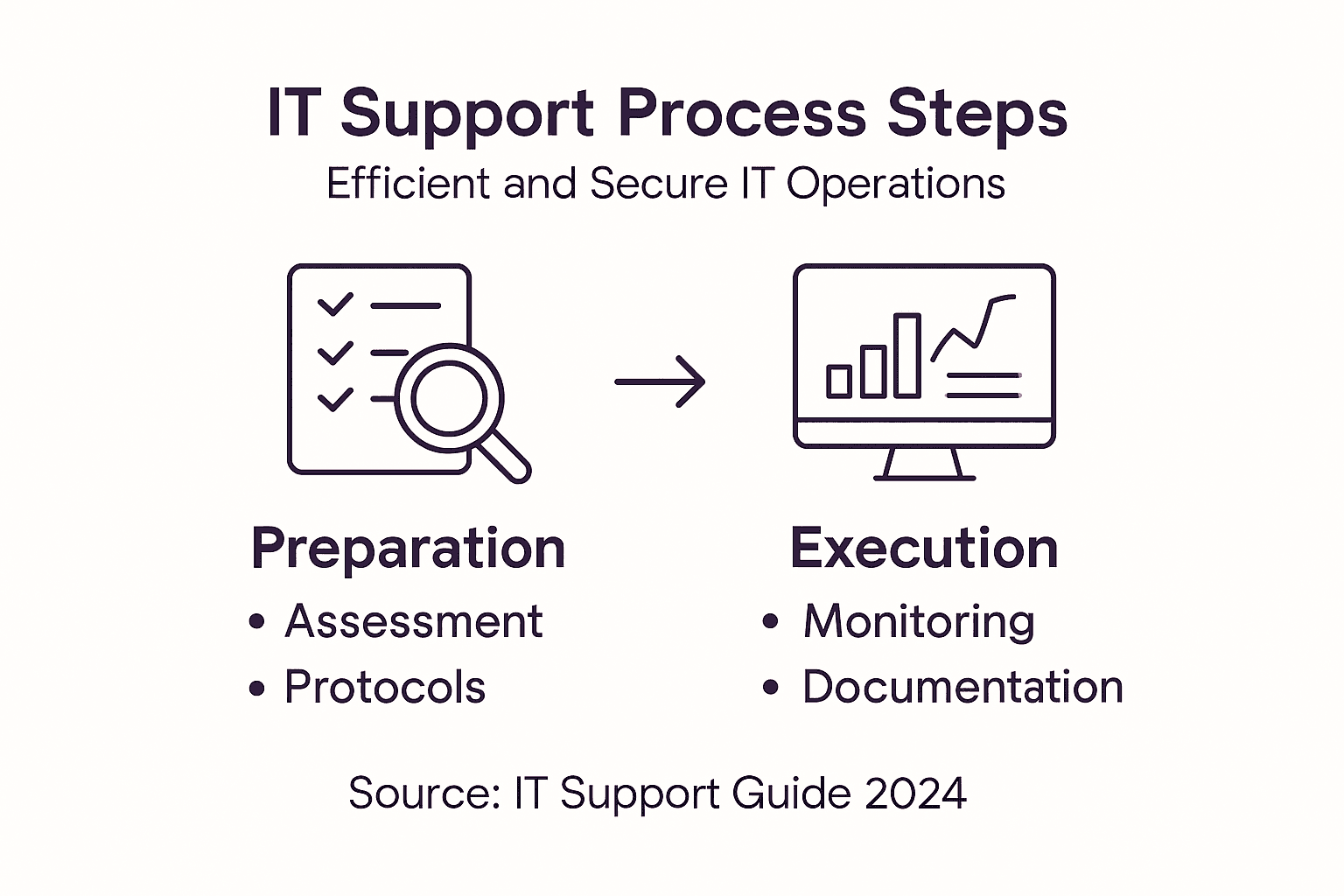
Pro tip: Regularly audit and update your support procedures to maintain alignment with evolving technological landscapes and organizational needs.
Step 4: Monitor systems and resolve issues
Monitoring systems and resolving issues is a critical ongoing process that ensures the health, performance, and security of your organization’s IT infrastructure. This step requires proactive surveillance, rapid response, and strategic problem resolution to minimize potential disruptions and maintain operational continuity.
Incident detection and response begins with implementing comprehensive monitoring tools that provide real-time insights into system performance, network traffic, security vulnerabilities, and potential anomalies. Deploy advanced monitoring software that can track critical metrics, generate automated alerts, and provide detailed performance analytics. Establish baseline performance indicators for each system and configure threshold notifications that trigger immediate investigation when unusual patterns or potential risks are detected.
Develop a structured incident response workflow that outlines clear steps for investigating, categorizing, and resolving technical issues. This should include prioritization protocols, communication guidelines, and documentation requirements. Create a centralized knowledge base where support teams can log detailed information about resolved issues, enabling faster troubleshooting and knowledge sharing. Implement regular system health checks, performance audits, and vulnerability assessments to proactively identify and address potential problems before they escalate.
Pro tip: Invest in continuous training for your support team to ensure they stay updated on emerging technologies and advanced troubleshooting techniques.
Step 5: Verify outcomes and document solutions
Verifying outcomes and documenting solutions is a crucial final stage in the IT support process that ensures transparency, knowledge retention, and continuous improvement of your support infrastructure. This step transforms individual problem-solving efforts into institutional learning and strategic resource management.
Incident management documentation requires a systematic approach to confirming issue resolution and capturing comprehensive details about each technical intervention. After resolving a technical problem, conduct a thorough verification process by confirming with the original requestor that the solution meets their needs and fully addresses the initial concern. Validate system performance metrics, ensure all affected components are functioning correctly, and document the specific steps taken to resolve the issue, including root cause analysis, implemented solutions, and preventative measures.
Create a standardized documentation template that captures critical information such as incident timestamp, technical details, resolution steps, system impact, and potential future preventive strategies. Integrate this documentation into a centralized knowledge management system that allows support team members to search, reference, and learn from previous resolutions. Regularly review and analyze these documented solutions to identify recurring patterns, potential systemic issues, and opportunities for proactive system improvements.
Pro tip: Implement a peer review process for documentation to ensure accuracy, completeness, and knowledge sharing across your support team.
Strengthen Your IT Support Process with Expert Guidance
Facing challenges like unclear escalation paths, inconsistent support procedures, or insufficient system monitoring can leave your business vulnerable and slow down critical issue resolution. This guide highlights how assessing IT infrastructure maturity, defining clear support protocols, and verifying outcomes through thorough documentation are essential steps to build a secure and efficient IT environment. Understanding these pain points empowers you to transform your IT operations into a strategic advantage.
At Ailerons IT, we specialize in helping businesses implement these core concepts with personalized IT consulting and managed services. Whether you need help establishing effective support workflows or enhancing your incident response protocols, our team is ready to guide you. Don’t wait for IT issues to disrupt your operations. Explore real solutions and expert advice by visiting our blog and start optimizing your IT support process today. Take the next step toward seamless technology management by scheduling a consultation through Ailerons IT and empower your business with reliable, secure, and efficient IT support.
Frequently Asked Questions
How do I assess my current IT infrastructure?
To assess your current IT infrastructure, start by conducting a comprehensive audit of all hardware and software assets. Document details such as age, performance levels, and potential upgrade requirements within 30 days to establish a baseline for future improvements.
What are effective support protocols and escalation paths?
Effective support protocols should outline incident severity levels and corresponding response times, ensuring quick resolution of issues. Create a hierarchal escalation path that specifies triggers for moving problems to specialized technical teams or management to reduce resolution time by 20%.
How can I implement core support procedures?
Implement core support procedures by developing detailed protocols for incident response and access control. Standardize documentation for handling technical issues to ensure all support team members can follow clear steps and reduce confusion during emergencies.
Why is it important to monitor systems continuously?
Continuous monitoring of systems is crucial for maintaining performance and security. Use monitoring tools to track critical metrics and set alerts for unusual patterns, enabling rapid response and minimizing downtime.
How do I verify outcomes and document solutions?
Verify outcomes by confirming with the requester that issues are resolved and system performance is back to normal. Document each resolution step, including root cause and preventive measures, in a centralized knowledge management system for future reference.
What is the role of training in IT support?
Training is vital for keeping support teams updated on emerging technologies and troubleshooting techniques. Schedule regular training sessions to enhance skills and ensure that the team can effectively manage and resolve technical issues as they arise.