

TL;DR:
- AI boosts SMB operational efficiency by automating tasks and reducing workflow errors by over 30%.
- Successful AI integration requires mapping workflows, running pilots, and proper change management.
- Continuous measurement and fostering a culture of improvement are key to sustaining operational gains.
Operational inefficiency is one of the most expensive problems SMBs face, and most leaders underestimate its true cost. Wasted time, repeated errors, and fragmented processes quietly drain resources that could fuel growth. The good news is that AI has moved well past the experimental stage. Businesses that implement AI report an average efficiency boost of over 30%, and the tools are now accessible to companies of all sizes. This guide breaks down exactly how AI improves office workflow efficiency, which solutions deliver the most impact, how to integrate them without disruption, and how to measure real results.
Table of Contents
- Understanding operational efficiency and the role of AI
- Key AI solutions for boosting office workflow efficiency
- Integrating AI into existing business processes
- Measuring and optimizing the impact of AI on operational efficiency
- Why true operational gains demand more than just AI adoption
- Take your operational efficiency to the next level
- Frequently asked questions
Key Takeaways
| Point | Details |
|---|---|
| AI cuts wasted effort | AI tools automate repetitive tasks, freeing up your team for higher-value work. |
| Start small, scale smart | Successful AI implementation begins with targeted pilots and practical integration steps. |
| Measure and refine | Tracking key metrics before and after AI adoption ensures ongoing workflow improvements. |
| Holistic change wins | True operational gains require aligning technology, people, and business processes. |
Understanding operational efficiency and the role of AI
Operational efficiency means getting the most output from the resources you already have. For SMBs, that translates to completing work accurately, on time, and without unnecessary steps. It is not about cutting corners. It is about removing friction so your team can focus on work that actually requires human judgment.
Common inefficiencies in SMB office workflows include:
- Manual data entry across disconnected systems
- Approval processes that stall because no one has clear ownership
- Scheduling conflicts caused by outdated or siloed information
- Document handling that relies on email threads instead of structured workflows
- Repetitive reporting tasks that consume hours every week
These problems are familiar to most operations managers. What is less familiar is how much they cost. Small errors compound. Delays create downstream bottlenecks. And when your team spends hours on repetitive tasks, they have less capacity for strategic work.
This is where AI enters the picture, specifically agentic AI. Unlike simple automation tools that follow fixed scripts, agentic AI systems can reason, prioritize, and adapt. They handle multi-step tasks across platforms, manage exceptions, and escalate issues to the right person when needed. The shift from basic bots to context-aware agents is significant. As explored in AI in business process management, this class of AI does not just execute tasks. It manages them.
Agentic AI systems reduce workflow errors and repetitive tasks by up to 47%, which represents a measurable operational advantage for any SMB operating with limited administrative capacity.
The fundamental shift here is from reactive to proactive operations. Traditional processes wait for a human to take action. Agentic AI monitors conditions, triggers appropriate responses, and completes work without waiting to be told. That changes the role of your team from task executors to decision makers.
Key AI solutions for boosting office workflow efficiency
Once you understand efficiency and AI’s influence, the next step is to explore the AI solutions available. Not every tool fits every business, but several categories consistently deliver strong results for SMBs.
Document automation handles the intake, classification, routing, and storage of business documents. Instead of someone manually sorting invoices or contracts, the system reads, categorizes, and files them automatically.
Scheduling agents coordinate meetings, manage calendars, and handle rescheduling without human input. They check availability across multiple participants and platforms simultaneously.
Robotic process automation (RPA) handles structured, rule-based tasks like data entry, form completion, and system updates. RPA is especially useful for bridging older software systems that do not have native integrations.
AI chatbots and virtual assistants manage internal and external communication, answer routine questions, and route complex issues to the right team member.
Here is a practical comparison of these solutions:
| AI Solution | Primary use case | Adoption difficulty | Relative cost |
|---|---|---|---|
| Document automation | File management, compliance | Low to medium | Medium |
| Scheduling agents | Calendar and meeting coordination | Low | Low to medium |
| Robotic process automation | Data entry, system integration | Medium | Medium |
| AI chatbots | Communication, routing | Low | Low to medium |
| Agentic workflow systems | End-to-end process management | Medium to high | Medium to high |
Top AI solutions can cut administrative time by more than 50%, which makes even a medium-cost investment worthwhile when measured against labor savings.
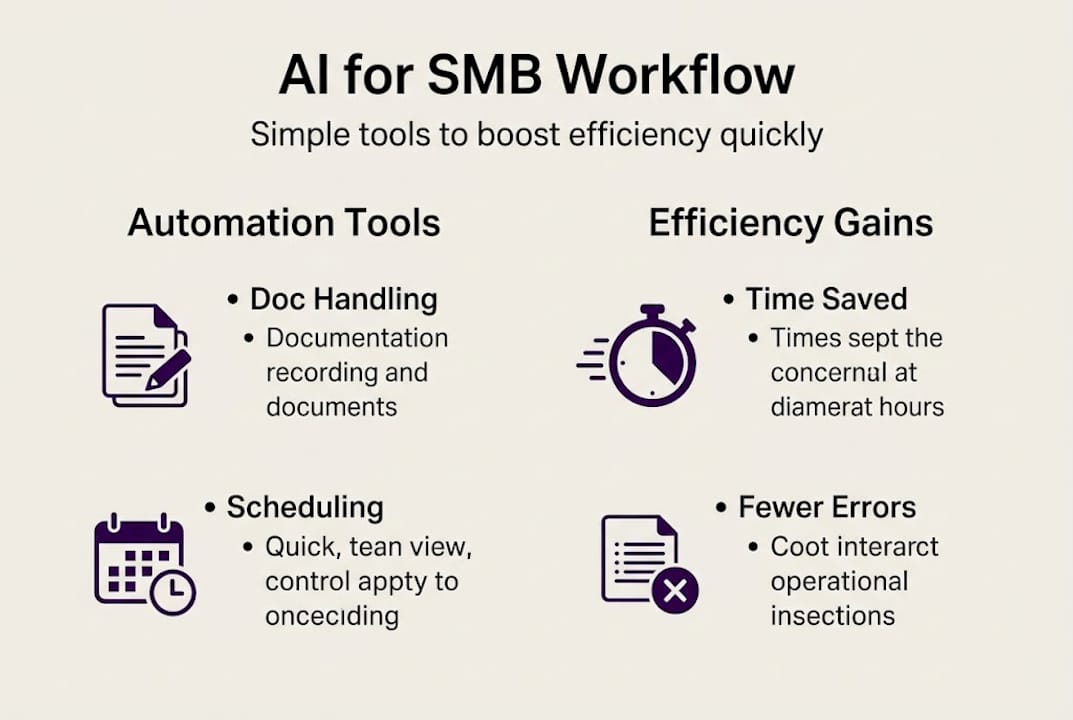
For teams already exploring automating business workflows, starting with document automation or scheduling agents tends to show results quickly and builds internal confidence in AI adoption.
Pro Tip: Before purchasing any AI software, run a structured pilot with real workflow data. Many vendors offer trial access. If the tool cannot show measurable improvement within 30 days on a defined task, it is not the right fit. Context-aware automation should adapt to your process, not force your process to adapt to it.
Integrating AI into existing business processes
Knowing which AI solutions to choose is just the beginning. The real challenge is smooth integration into everyday work without disrupting operations that are already functioning.

Following a structured approach makes the difference between a successful rollout and a costly false start. Effective AI integration follows a clear set of best practices for change management, and skipping steps creates problems that are difficult to unwind later.
Here is a practical numbered framework:
- Map your current workflows. Document every step of the processes you want to improve. Identify which tasks are repetitive, error-prone, or time-consuming.
- Define success criteria. Before deploying anything, decide what improvement looks like. Time saved per week, error rate reduction, or approval cycle time are measurable targets.
- Select the right tool. Match the AI solution to the specific process gap. Avoid buying broad platforms when a focused tool solves the problem better.
- Run a pilot. Deploy the AI on one workflow or one team first. Collect data for 30 to 60 days.
- Train your team. Explain what the AI does, what it does not do, and how staff should interact with it. Resistance often comes from uncertainty, not opposition.
- Evaluate and scale. Use pilot data to refine the setup, then expand to additional workflows with a clear timeline.
The automation guide for SMBs reinforces this approach and provides additional detail on sequencing for businesses with limited IT resources.
Pro Tip: Change management is as important as the technology itself. Assign an internal champion for each AI rollout. This person does not need to be technical. They need to communicate clearly, gather feedback from the team, and keep momentum going between review cycles.
Measuring and optimizing the impact of AI on operational efficiency
AI’s value becomes clear when you can measure and improve upon the results. Without defined metrics, it is impossible to know whether your investment is working or where to adjust.
The key performance indicators worth tracking include:
- Time saved per task: Compare average task completion time before and after AI deployment
- Error rate: Track how often corrections or rework are required
- Workflow throughput: Measure the volume of work completed within a given period
- Employee satisfaction: Survey your team on workload and tool usability
- Cost per process: Calculate total cost including labor and tools before and after AI
Here is an example of what measurable improvement looks like across common office workflows:
| Workflow | Pre-AI average time | Post-AI average time | Error rate change |
|---|---|---|---|
| Invoice processing | 4.5 hours per week | 1.2 hours per week | Down 61% |
| Meeting scheduling | 3 hours per week | 0.4 hours per week | Down 85% |
| Document routing | 6 hours per week | 1.8 hours per week | Down 54% |
| Data entry and reporting | 8 hours per week | 2.5 hours per week | Down 70% |
These numbers align with broader findings. Businesses using AI report an average workflow throughput increase of 72%, which signals that AI does not just reduce individual task time. It improves the entire pace of operations.
Continuous optimization matters just as much as initial deployment. Review your KPI data monthly for the first quarter, then quarterly after that. Ask whether the AI is still performing against your defined benchmarks, and identify new workflows that could benefit from automation as your business evolves.
For a broader view of where office automation is heading, the office automation trends analysis from the AI-driven operations guide provides useful context for planning ahead.
Why true operational gains demand more than just AI adoption
Here is an uncomfortable observation: many SMBs deploy AI, see an initial improvement, and then plateau. The technology works. The process does not evolve. That gap is not a technology failure. It is a leadership failure.
Real operational gains require more than installing a tool and moving on. They require building a culture where your team actively looks for inefficiencies, questions outdated processes, and treats continuous improvement as part of the job. AI accelerates what your organization is already doing. If your processes are unclear, AI will execute unclear processes faster. That is not efficiency.
The leaders who see sustained results treat AI as a collaborator, not a solution. They invest in skills, create feedback loops, and measure outcomes consistently. The business process management insights around this topic make clear that clarity, communication, and accountability are what separate organizations that maintain gains from those that stall. Technology is the enabler. Organizational discipline is the driver.
Take your operational efficiency to the next level
You now have a clear framework for understanding, selecting, integrating, and measuring AI across your office operations. The next step is seeing how organizations like yours have put these strategies into practice. Our AI case studies show real examples of SMBs that reduced administrative overhead, improved accuracy, and scaled without adding headcount. If you are ready to move from strategy to execution, our team at Ailerons.ai can assess your current workflows and design an agentic AI solution built around your specific operational goals. Reach out to schedule a consultation and start building toward measurable results.
Frequently asked questions
What is operational efficiency and how does AI improve it?
Operational efficiency is maximizing output while minimizing wasted effort and resources. AI improves it by automating repetitive tasks and cutting errors, with agentic systems reducing workflow errors by up to 47%.
How can small businesses afford advanced AI solutions?
Many AI tools now offer flexible, subscription-based pricing, and cloud platforms make enterprise-level capability accessible without large upfront costs. Top AI solutions can cut administrative time by more than 50%, making the return on investment clear.
What are the first steps to adopt AI for office operations?
Begin by mapping your current workflows, identifying your most repetitive and error-prone tasks, and running a focused pilot before scaling. Effective AI integration follows established change management best practices to reduce risk.
How do you know if AI is improving efficiency?
Track metrics such as time saved per task, error reduction rates, and workflow throughput before and after implementation. Businesses using AI report an average workflow throughput increase of 72%, which gives you a useful benchmark to measure against.
Are there risks to using AI in business operations?
Data privacy concerns and employee resistance are the most common risks, but both can be managed through clear data governance policies and structured training programs during rollout.
Recommended
- AI-driven operations guide: boost efficiency 72% in 2026 | Ailerons IT Consulting
- AI in Business Process Management: Unlocking Efficiency | Ailerons IT Consulting
- Step by Step Business Automation Guide for SMBs | Ailerons IT Consulting
- Intelligent Automation Cuts Admin Overhead 72% in 2026 | Ailerons IT Consulting