

TL;DR:
- End-to-end office automation connects all process steps for continuous, intelligent workflow execution.
- Agentic AI enables decision-making, adaptation, and exception handling across integrated systems.
- Successful implementation requires process mapping, stakeholder involvement, and iterative scaling.
Most companies believe they have automation covered because they use a few bots or scheduled scripts. But isolated tools that handle one step at a time are not the same as true end-to-end automation. When each tool operates in its own silo, you still need people to bridge the gaps, chase approvals, and fix errors between systems. Agentic AI changes that equation entirely. This guide explains what end-to-end office automation actually means, how it works, and how mid-sized companies can build a practical road map to get there.
Table of Contents
- What is end-to-end office automation?
- How end-to-end automation works: Core components
- Comparison: Traditional vs. end-to-end automation
- Real-world use cases and impact
- Getting started: Building your own end-to-end automation road map
- Our perspective: Why true end-to-end automation is the foundation for future-ready offices
- Ready to automate your office from end to end?
- Frequently asked questions
Key Takeaways
| Point | Details |
|---|---|
| Unified automation | End-to-end office automation streamlines every workflow step for greater efficiency. |
| AI-driven orchestration | Agentic AI connects processes, handles exceptions, and boosts decision making. |
| Transformative results | Businesses see major gains in speed, accuracy, and employee experience. |
| Strategic implementation | Success depends on process mapping, stakeholder buy-in, and iterative rollout. |
What is end-to-end office automation?
End-to-end office automation means connecting every step of a business process, from the moment a task is triggered to the moment it is completed, without requiring manual handoffs in between. It is not about automating one form or one report. It is about creating a continuous, intelligent flow across people, systems, and decisions.
Traditional task-based automation handles isolated actions. A macro exports a spreadsheet. A bot fills in a form. These tools are useful, but they leave gaps. Someone still has to move data from one system to the next, review exceptions, and trigger the next step. That is where efficiency breaks down.
End-to-end automation closes those gaps. As noted in AI in Business Process Management, end-to-end automation integrates disparate office systems and processes for maximum efficiency. The result is a workflow that runs from start to finish with minimal human intervention.
Agentic AI plays a central role here. Unlike rule-based bots, AI agents can reason about context, make decisions, and adapt when conditions change. They can coordinate multiple systems, handle exceptions, and escalate only when human judgment is genuinely needed. You can learn more about how this works in our AI-driven automation guide.
Key components of a well-designed end-to-end system include:
- Process mapping: Documenting every step, decision point, and handoff before automation begins
- AI-driven decision logic: Rules and reasoning that allow the system to handle variations without breaking
- Exception handling: Clear escalation paths for edge cases that require human review
- Cross-system integration: Connections between CRM, ERP, document platforms, and communication tools
- Audit and compliance tracking: Automatic logging of every action for accountability
End-to-end automation is not a technology upgrade. It is a process redesign supported by intelligent technology.
How end-to-end automation works: Core components
With a working definition in place, let’s unpack what powers end-to-end automation under the hood.
Every automated workflow starts with an input. That could be an email, a submitted form, a calendar event, or a record update in your CRM. The system captures that input and uses it to trigger the appropriate process. From there, a workflow engine or AI agent takes over, executing each step in the correct sequence.

Agentic AI systems combine intelligent orchestration with contextual automation, meaning they do not just follow a script. They evaluate what is happening, decide what to do next, and adjust when something unexpected occurs. That is a significant leap beyond traditional workflow tools.
Here is how a typical end-to-end automation stack is structured:
- Input capture: Digital forms, email parsing, app triggers, or API calls bring data into the system
- Process orchestration: A workflow engine sequences tasks and routes them to the right tools or agents
- AI decision-making: The agent evaluates conditions, applies logic, and selects the appropriate action
- Exception handling: Edge cases are flagged, routed to a human reviewer, and returned to the workflow once resolved
- Output delivery: Approvals are issued, reports are generated, notifications are sent, and records are updated automatically
- Integration layer: The system connects with legacy and modern platforms without requiring a full tech overhaul
Pro Tip: When evaluating automation platforms, check whether they support bidirectional integration with your existing tools. One-way data pushes create new silos instead of eliminating them.
For a broader look at what is available today, explore top AI solutions for office operations and how context-aware automation improves workflow efficiency at scale.
Comparison: Traditional vs. end-to-end automation
Understanding components is important, but how does holistic automation compare to what businesses have now?
Most mid-sized companies rely on a mix of robotic process automation (RPA), spreadsheet macros, and standalone software integrations. These tools work well for repetitive, predictable tasks. But they struggle when processes span multiple systems, involve human decisions, or require real-time adjustments.
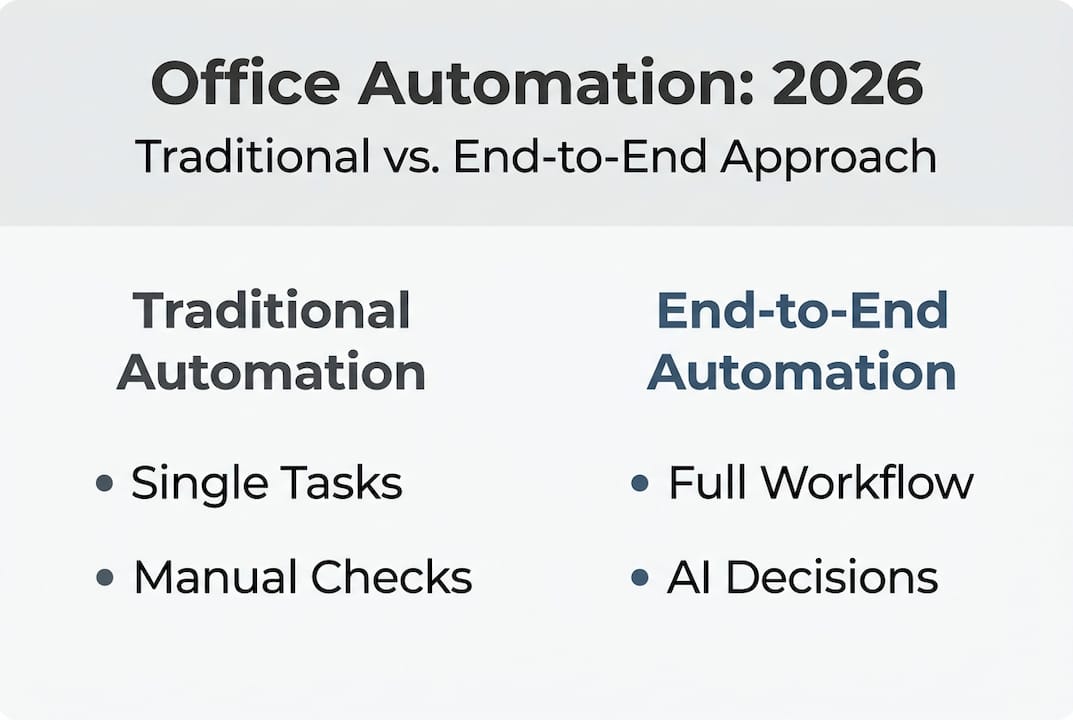
| Feature | Traditional automation | End-to-end automation |
|---|---|---|
| Scope | Single tasks or steps | Full process, start to finish |
| Integration | Limited, often siloed | Cross-system, bidirectional |
| Decision-making | Rule-based only | AI-driven, context-aware |
| Exception handling | Manual intervention required | Automated escalation and routing |
| Visibility | Fragmented reporting | Unified analytics and audit trails |
| Compliance support | Inconsistent | Built-in logging and controls |
The difference becomes clear in scenarios like invoice processing. With traditional automation, a bot might extract data from a PDF. But a human still has to match it to a purchase order, check for discrepancies, and route it for approval. End-to-end automation handles all of those steps, flags anomalies, and completes the approval cycle without manual input.
The same applies to employee onboarding, contract management, and compliance reporting. Companies adopting end-to-end AI automation see higher efficiency gains than those using RPA alone. That gap widens as process complexity increases.
Key advantages exclusive to end-to-end approaches include:
- Real-time visibility across every workflow stage
- Consistent compliance without manual checks
- Faster cycle times with fewer touchpoints
- Reduced error rates from cross-system data mismatches
For a detailed breakdown of which tasks firms should automate first, that resource provides a practical starting point.
Real-world use cases and impact
To ground this comparison, let’s look at actual outcomes in organizations applying end-to-end automation.
The impact of end-to-end automation shows up clearly when you look at specific departments. HR onboarding is one of the most common early wins. Before automation, a new hire triggers a chain of manual tasks across HR, IT, payroll, and facilities. Each team waits on the previous one. Delays are common. With end-to-end automation, a single trigger initiates every downstream action simultaneously, and the system tracks completion without follow-up emails.
End-to-end automation improves process speed and accuracy across departments, and the data from recent deployments supports that claim clearly.
| Use case | Before automation | After automation |
|---|---|---|
| HR onboarding | 5 to 7 days average | Under 24 hours |
| Invoice processing | 3 to 5 days per cycle | Same-day completion |
| Compliance reporting | Weekly manual compilation | Real-time, automated reports |
| Contract approvals | 4 to 10 days | 1 to 2 days |
In finance, automated invoice workflows reduce processing time and virtually eliminate duplicate payments. In operations, automated compliance reporting means audit-ready records exist at all times, not just at quarter end.
Pro Tip: Start with a process that has a clear start and end point, involves at least three systems, and currently requires manual handoffs. These are the highest-value targets for end-to-end automation.
The metrics that matter most are cycle time, error rate, and staff hours reclaimed. Organizations that track these from day one build a strong case for scaling automation further. For context on where this is heading, review AI trends in office ops for 2026 and beyond.
Getting started: Building your own end-to-end automation road map
Inspired by what’s possible, here’s how to get your own automation journey underway.
The biggest mistake companies make is jumping straight to technology. They buy a platform, connect a few tools, and call it automation. But without a clear process map, even the best tools produce inconsistent results. The foundation has to come first.
Successful automation projects start with a detailed process map and involve key stakeholders early. That means sitting down with the people who actually do the work before writing a single line of logic.
Here is a practical road map to follow:
- Identify bottlenecks: List processes where delays, errors, or manual handoffs are most frequent
- Engage stakeholders: Bring in IT, operations, compliance, and frontline staff from the start
- Map the full journey: Document every input, action, decision point, and output for each target process
- Select your tools: Choose platforms that support agentic AI, cross-system integration, and exception handling
- Run a pilot: Automate one complete process end to end, measure results, and identify gaps
- Iterate before scaling: Fix what does not work at small scale before rolling out organization-wide
- Scale with governance: Establish ownership, monitoring, and review cycles as automation expands
Pro Tip: Assign a process owner for each automated workflow. Without clear ownership, exceptions go unresolved and workflows degrade over time.
For a broader view of what to build toward, the guide on essential AI automation types outlines the categories most relevant to office operations today.
Our perspective: Why true end-to-end automation is the foundation for future-ready offices
Most automation conversations focus on cost savings and headcount. That framing misses the bigger opportunity.
When you automate end to end, you do not just save time on individual tasks. You build a system that can respond to change. A process that runs on connected, intelligent workflows can be updated in one place and have that change propagate across every downstream step. A siloed tool cannot do that.
The organizations we see struggling most with automation are not those that invested too little. They are the ones that invested in too many disconnected tools without a unifying architecture. They have ten automations that do not talk to each other, and they still need a coordinator to manage the gaps.
Agentic AI changes the calculus because it introduces reasoning into the workflow. The system is not just executing steps. It is evaluating context, adapting to variation, and learning from outcomes. That is what makes AI process management insights so relevant right now. The window to build this foundation is open, but it will not stay that way. Companies that invest in integrated, agentic architectures today will have a structural advantage that is very difficult to replicate later.
Ready to automate your office from end to end?
If you’re ready to explore what’s possible with full-spectrum automation, here’s where to start.
Ailerons.ai works with mid-sized companies to design and deploy agentic AI systems that handle real office work from start to finish. Whether you are managing invoice cycles, onboarding workflows, compliance reporting, or document approvals, we build automation that connects every step without requiring constant human oversight. Our client case studies show the measurable outcomes organizations are achieving right now with end-to-end automation. If you want to see what a tailored road map looks like for your operations, visit Ailerons.ai to connect with our team and take the first step toward a fully automated office.
Frequently asked questions
What makes end-to-end office automation different from RPA?
End-to-end automation connects every workflow step with AI-driven decision logic, while RPA automates only isolated tasks without cross-process integration. As noted in AI in Business Process Management, integrating disparate systems is what separates true end-to-end solutions from point-based tools.
Is end-to-end automation suitable for mid-sized companies?
Yes. Modern agentic AI platforms are designed to scale with the complexity and budget of mid-sized operations, making full-process automation accessible without enterprise-level IT investment. Top AI solutions now make it feasible to automate entire office operations efficiently.
What are common pitfalls when starting with end-to-end automation?
Skipping process mapping and failing to involve key stakeholders early are the two most common mistakes that limit ROI. A detailed process map and early stakeholder engagement are the keys to a successful rollout.
What are real examples of where end-to-end automation excels?
HR onboarding, invoice processing, and compliance reporting consistently deliver the fastest and most measurable results. End-to-end automation improves speed and accuracy across all three, often cutting cycle times by more than 70 percent.
Recommended
- Step-by-Step Guide to AI-Driven Office Automation Success | Ailerons IT Consulting
- Step by Step Business Automation Guide for SMBs | Ailerons IT Consulting
- Office Operations Automation Trends: Agentic AI Impact | Ailerons IT Consulting
- Master financial operations automation steps for 2026 | Ailerons IT Consulting
- Warehouse operations checklist: streamline fulfilment and boost growth | ParcelPlanet